[Gust] Atelier Ryza: Ever Darkness and the Secret Hideout Update v1.03 includes DLC (PC / Steam) ライザのアトリエ 常闇の女王と秘密の隠れ家 [Wash Me]

IGDB / STEAM / OFFICIAL / STEAMdb | ONLINE MANUAL / GAME CONTROLS Developer: Gust Audio: Japanese Subtitles: English, Japanese, Traditional Chinese, Simplified Chinese Romaji: Ryza no Atelier ~Tokoyami no Joou to Himitsu no Kakurega~
patches, DLC and crack provided by CODEX

Sequel: #1352408 STEAM: Announcement | Store Trailers::YouTube JP ライザのアトリエ2 ~失われた伝承と秘密の妖精~ | YouTube English
Version 1.03 update patch release for Atelier Ryza
DDL (if low / no seeds): part 1 | part 2 | part 3 | part 4 | part 5
may require winRAR ver 5.90 (stop winrar from bugging you?)
Instructions:
- Must have Atelier Ryza version 1.02 base game installed - Available here https://nyaa.si/view/1205112 (follow the instructions there)
- Turn off anti-virus or allow an exemption, it may be the cause for files to be deleted or blocked during installation and/or attempting to run the game.
- Run the setup.exe file (mute or lower your volume trust me and you'll need 15.19 GB of free space) and target the directory you have the base game installed at along with any other check boxes of interest and install when ready.
- It will do a checksum verification and so on before and during installing the updates. It will take sometime to complete this process.
- If you did not do this already during installation, copy the crack from this version's CODEX folder to the root directory of where you installed the game and overwrite.
- Once done open Atelier_Ryza_Launcher.exe to input your commands (or see here for the controller / game web manual) and play when ready to ensure the game can run with no issues.
- With this update the game will have increased to 22.3 GB in size.
- Make sure the DLC's are activated > go to the Atelier Ryza game folder > open "steam_emu.ini" > scroll down to "DLCUnlockall=0" if it's 0 change it to 1, that's it. Enjoy.
Update Version 1.03a and Version 1.04 is available here https://nyaa.si/view/1226039 or grab the DDL here
Update Version 1.05 patch is available here https://nyaa.si/view/1246788 or grab the DDL here
Update Version 1.06 patch is available here https://nyaa.si/view/1267521 or grab the DDL here
Update Version 1.07 is available here https://nyaa.si/view/1352407 (recommended as it contains all updates).
Atelier Ryza Official Visual Collection Book: https://nyaa.si/view/1248282
If you want Japanese instead of English, change “Language=english” to “Language=japanese” in steam_emu.ini.
If this is your first time open the "Atelier_Ryza_Launcher.exe" to setup your controller commands, resolution, graphic setup, etc. If playing using the keyboard and mouse make sure the "Enable Mouse Settings" is set on before playing. The other "Launcher.exe" will take you straight into the game.
If any issues resort to the Text folder located in the root folder of Atelier Ryza. Game not starting or something on AMD Graphic Card issue, read this. NVidia cards consider also updating.
For visual aid of the 乇乂丅尺卂 丅卄工匚匚 DLC: Story | Map
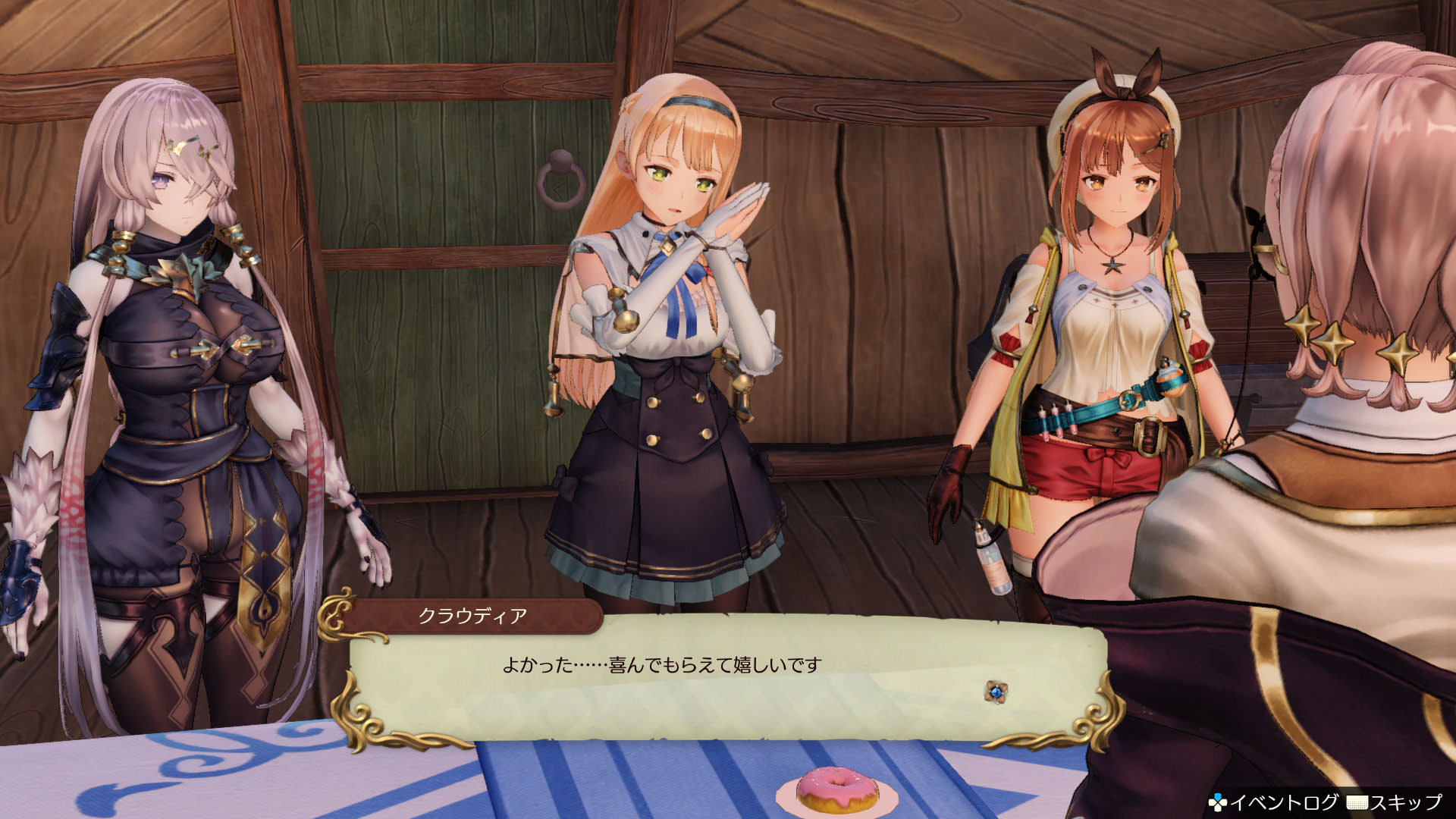
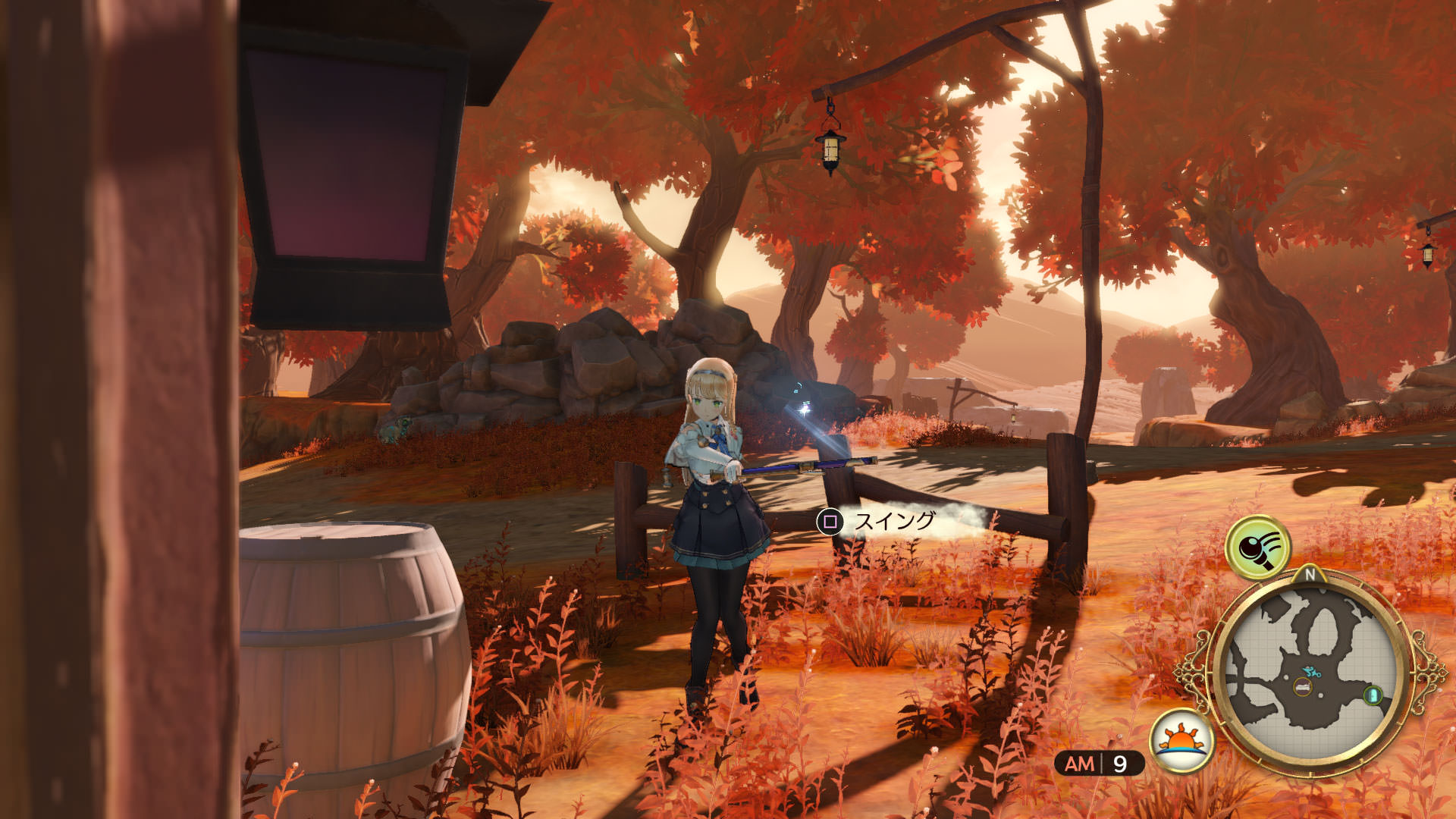
https://steamcommunity.com/app/1121560/eventcomments/1737760931659257739/
Added 9 BGM tracks from "Atelier Online: Alchemists of Braceir " that can be used in-game.
BGM can be changed from the diary on the desk in Ryza's room or in Ryza's atelier.
- Fixed some bugs.
- Fixed some display related bugs.
- Support for additional content.
EXTRA: Helpful Guide: https://psnprofiles.com/guides/10205-atelier-ryza-ever-darkness-the-secret-hideout
ReShade MOD Atelier Graphics Tweak FXAA or delete DoF Effects) | Example 1 vs Example 2, Example 3 vs Example 4 Atelier Graphics Tweak Add support for SMAA but less ideal for FXAA
Atelier Ryza Travel Bottle Password Finder https://serity.github.io/ryza/ Gamefaqs PCgaming Wiki
character mod, etc: example: https://i.ibb.co/BwvQwNk/Gyaru-Ryza.jpg
ero character MOD nsfw
YXSzzzz mega MOD nsfw
moderchan@21 nsfw
SILVER VOX MOD: Website | Free+Paid | YouTube nsfw

-
Atelier.Ryza.Ever.Darkness.and.the.Secret.Hideout.Update.v1.03.incl.DLC-CODEX
-
CODEX
- Atelier_Ryza.cdx (21.2 MiB)
- Atelier_Ryza.exe (21.2 MiB)
- GameOverlayRenderer64.dll (1.5 MiB)
- codex64.dll (130.3 KiB)
- steam_api64.cdx (243.3 KiB)
- steam_api64.dll (243.3 KiB)
- steam_emu.ini (3.1 KiB)
- steamclient64.dll (297.3 KiB)
-
Update
- Setup-1.cdx (2.4 GiB)
- Setup.exe (6.2 MiB)
- patchnotes.txt (283 Bytes)
- IGG-GAMES.COM.url (196 Bytes)
- PCGAMESTORRENTS.COM.url (202 Bytes)
- README.txt (338 Bytes)
- codex.nfo (5.3 KiB)
-
I was playing perfectly fine the first version of the game until I realize there were some updates. I installed the 3 updates and the game stop working. Just when I open the game, this close.
@vacxy Posting just that will never help you (or anyone) since you didn't even bother to elaborate what steps you've tried...
A limited number of games such as Nioh™, Dragon Quest Builders 2™, WWE™2K20, Dead or Alive 6™ and Atelier Ryza™ may crash or fail to launch. https://www.amd.com/en/support/kb/release-notes/rn-rad-win-20-1-3
If you're on AMD like me there seems to be a fix in version 20.1.3. Otherwise see if this link will help too https://steamcommunity.com/app/1121560/discussions/0/2626095297422370077/#c1737760931656474295 Otherwise if that don't work may have to downgrade to version 19.12.1 which is what I'm using.
Keep in mind to read the "Known Issues" part.
Some Radeon RX 5700 series graphics users may intermittently experience a black screen while gaming or on desktop. A potential temporary workaround is disabling hardware acceleration in applications running in the background such as web browsers or Discord.
Other stuff try the text folder information in the text files which you get it when you install the game. It talks about graphic card updating, audio issues for some, and it also says something about using minimum settings that may help your case and troubleshoot from there which you can do with the launcher, etc.
You can also check the steam page itself if others have had a similar issues (I've read a minor few like yourself with the same problem). It shouldn't even be happening in the first place so might be conflict from Koei themselves and their games with certain systems.
Check dxdiag via command prompt if any errors there. Visual C++ installation files that may need updating, etc.
Dunno if you still having trouble or anything since it's been 5 days with no reply so whatever.
For those that need want to read the info the developers seem to just notify that the issue is fixed with version 20.1.3 for AMD graphic driversif you were on it. Here's a link just released some hours ago. https://steamcommunity.com/app/1121560/eventcomments/1735510333043843213
Koei and their incompetence https://steamcommunity.com/app/1121560/eventcomments/1735510333044523873/
@noZA_ Sorry I didn't want to cause confusion. After I installed the V1.02 the game close in the first loading screen. I'm not sure what do you mean by AMD, but I'm using a NVIDIA Gefore GTX 1050.
As I wrote before you didn't reply so kinda difficult to know anything with basically no information from you.
Graphics: NVIDIA GeForce GTX1050 or over DirectX: Version 11
So in regards to the 1050 you'll have to look it up as I already read this specific card is also having issues like here https://steamcommunity.com/app/1121560/discussions/0/1737758544548420132/
Maybe this may provide some info https://steamcommunity.com/app/1121560/discussions/0/1608274347730345186/ https://steamcommunity.com/app/1121560/discussions/0/1630790506914857134/
I'd suggest typing the game "Atelier Ryza GTX 1050" and see if other places like reddit can help you figure it out or it's possibly an issue with Koei's incompetence. https://www.reddit.com/r/Atelier/
1.04 apparently got released. Will there be an update for this torrent?
TANKS!